
The greeting
At the top is a personal greeting and a count of how many words you have spoken today. Once you pass 1,000 lifetime words, a small share button appears at the right end of the greeting banner. See Share your stats.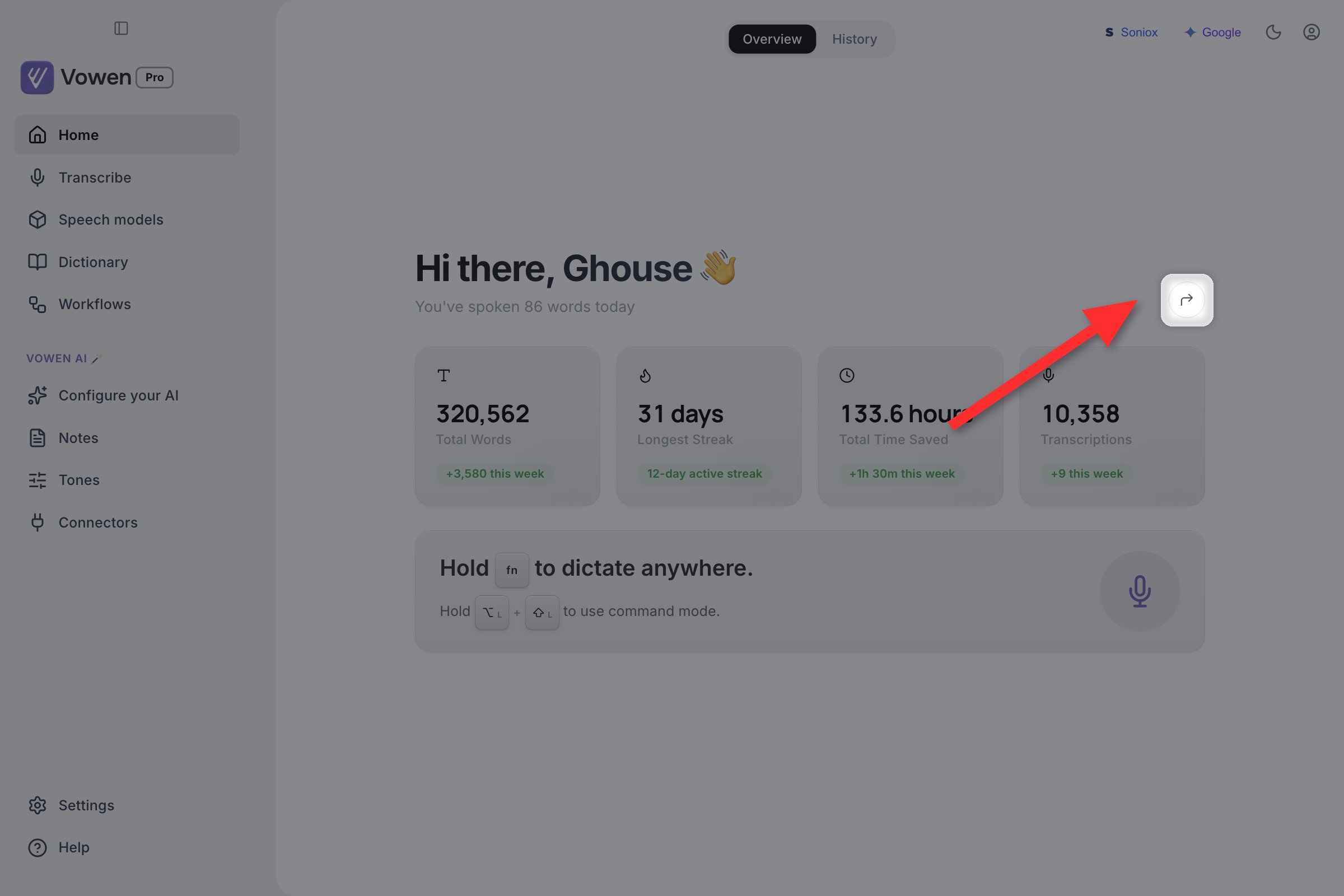
Past 1,000 lifetime words, the share button appears at the right end of the greeting.
Your stats
Four cards sit below the greeting. Each shows an all-time figure with a “+N this week” badge underneath.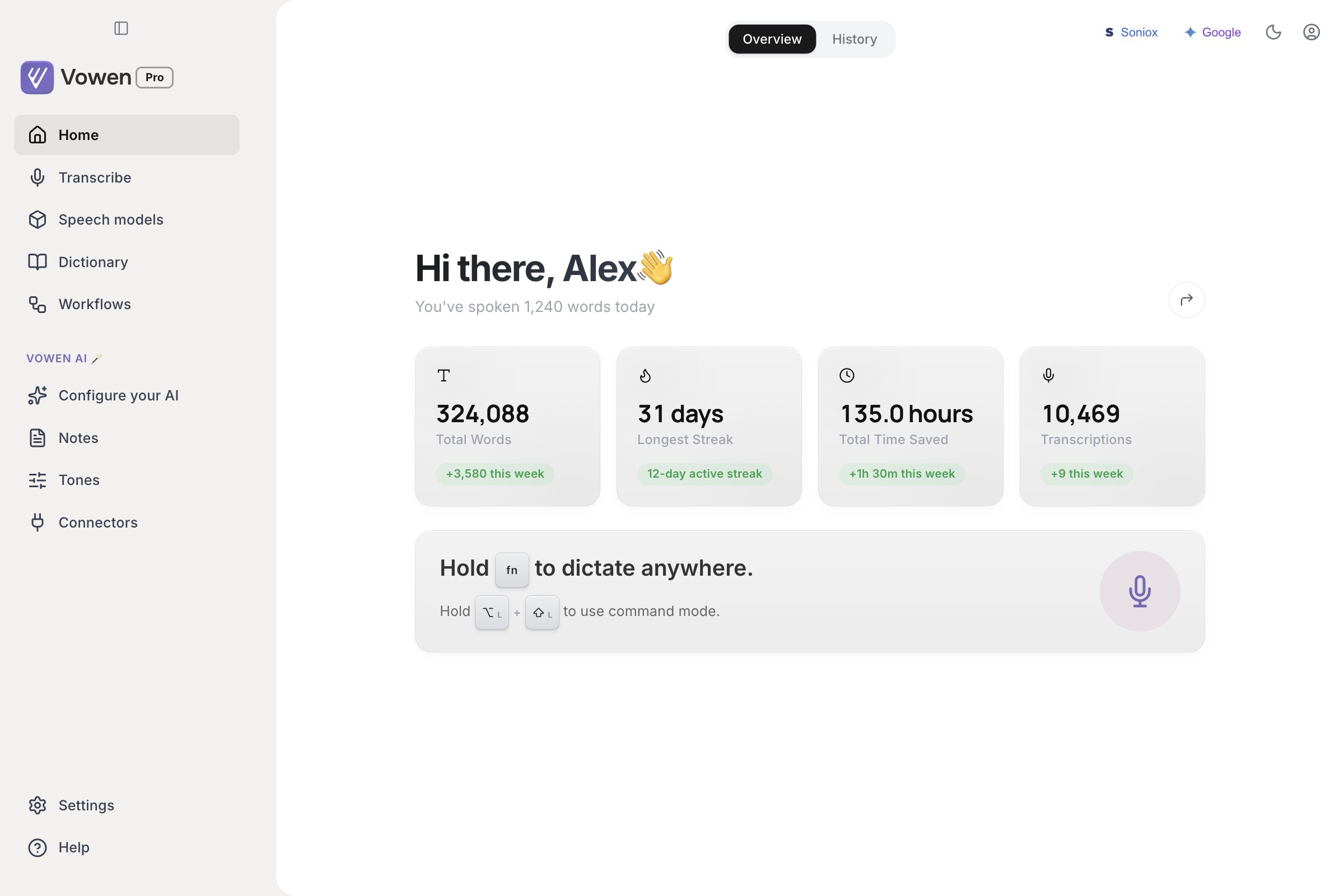
Home opens on Overview: lifetime stats, your streak, and the cards Vowen surfaces based on what you have set up.
The numbers count up when the page opens.
The quick-start card
Below the stats is a card that reminds you of your two main shortcuts:- Your push-to-talk shortcut, rendered as the actual keys you have configured.
- Your Command Mode shortcut, shown once an AI provider is connected. Until then the card shows an Enable AI Mode button that takes you to Configure your AI.
The microphone illustration on this card is decorative. It animates while a recording is in progress, but it is not a button. Start dictation with your shortcut, the idle pill, or the tray menu.
Other cards you may see
Overview also surfaces a few contextual cards:- Try out the new Expansions feature. A one-time introduction to text expansions, with Try it out and Dismiss.
- Want faster transcription? Shown on Windows only, and only while a local model is selected. It links to the Speech models page so you can connect a cloud provider.
Share your stats
Once you have dictated 1,000 words or more, the share button in the greeting banner generates a stats card image summarizing your name, time saved, total words, longest streak and transcription count. A preview opens with three things you can do:
Vowen uploads nothing. The card is rendered locally and you choose what to do with it.
Related
Voice Log
Your transcription history, search, and per-entry actions.
Shortcuts
Change the push-to-talk and Command Mode keys shown on the quick-start card.