
How to start the tour
The first time you open Notes, Vowen offers the tour.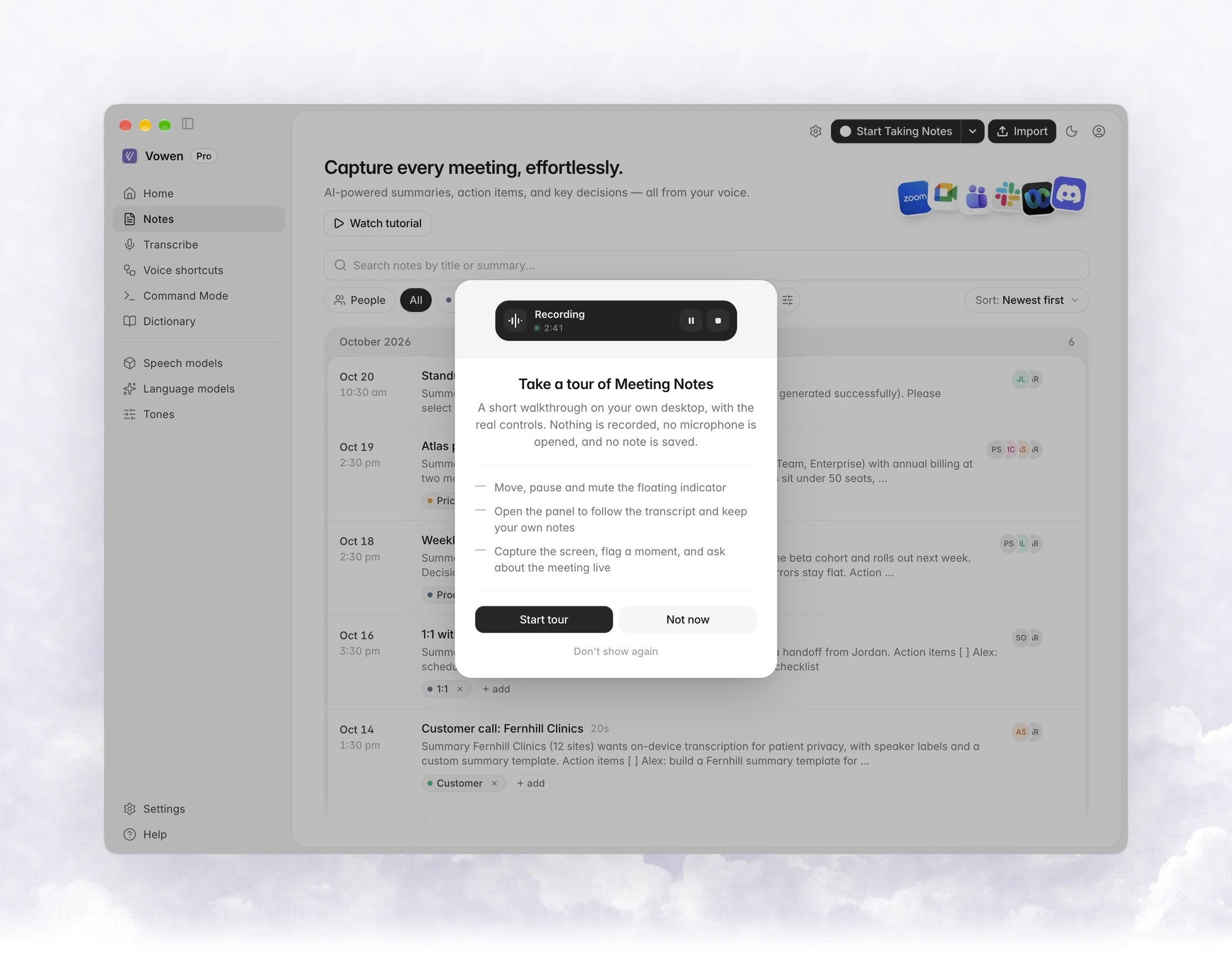
What the tour covers
The first part runs on your desktop, with a scripted conversation playing into the indicator and panel. Each step tells you what to try. Click Next to continue, Skip this step to move on, or press Esc to leave the tour.- The indicator. What it shows while Vowen takes notes.
- Move it. Drag the indicator anywhere. Vowen remembers the spot.
- Pause and resume. Nothing said while paused reaches the transcript or summary.
- Mute either side. Hover the indicator to mute your microphone or the meeting audio.
- Open the panel. Press the panel shortcut, or click the panel button on the indicator.
- The live transcript. Watch lines arrive on the Transcript tab.
- Your own notes. Type a line on the Notes tab.
- Capture the screen. Attach a screenshot to the meeting.
- Flag the moment. Mark what was just said as important.
- Ask while it’s still happening. Send a question and read the answer.
- Stop. Stopping ends the recording and writes the summary.