
Google Calendar is the only supported calendar. This is separate from the Google Calendar connector, which lets Command Mode and Ask AI look up events.
How to connect
1
Open Integrations
Go to Notes › Notes settings › Integrations.
2
Configure Google Calendar
On the Google Calendar card (“Match notes to your meetings”), click Configure.
3
Sign in
Click Connect Google Calendar. Your browser opens to sign in with Google (“Opening browser for authentication…”). Approve access, then return to Vowen. Click Cancel to stop waiting.
4
Click Done
The account appears under Connected accounts with when it last synced.
Calendars connect per device. Sign in again on each computer where you use Vowen. Calendar accounts aren’t included in cloud sync.
The one-minute warning
One minute before a meeting starts, a banner appears near the recording indicator.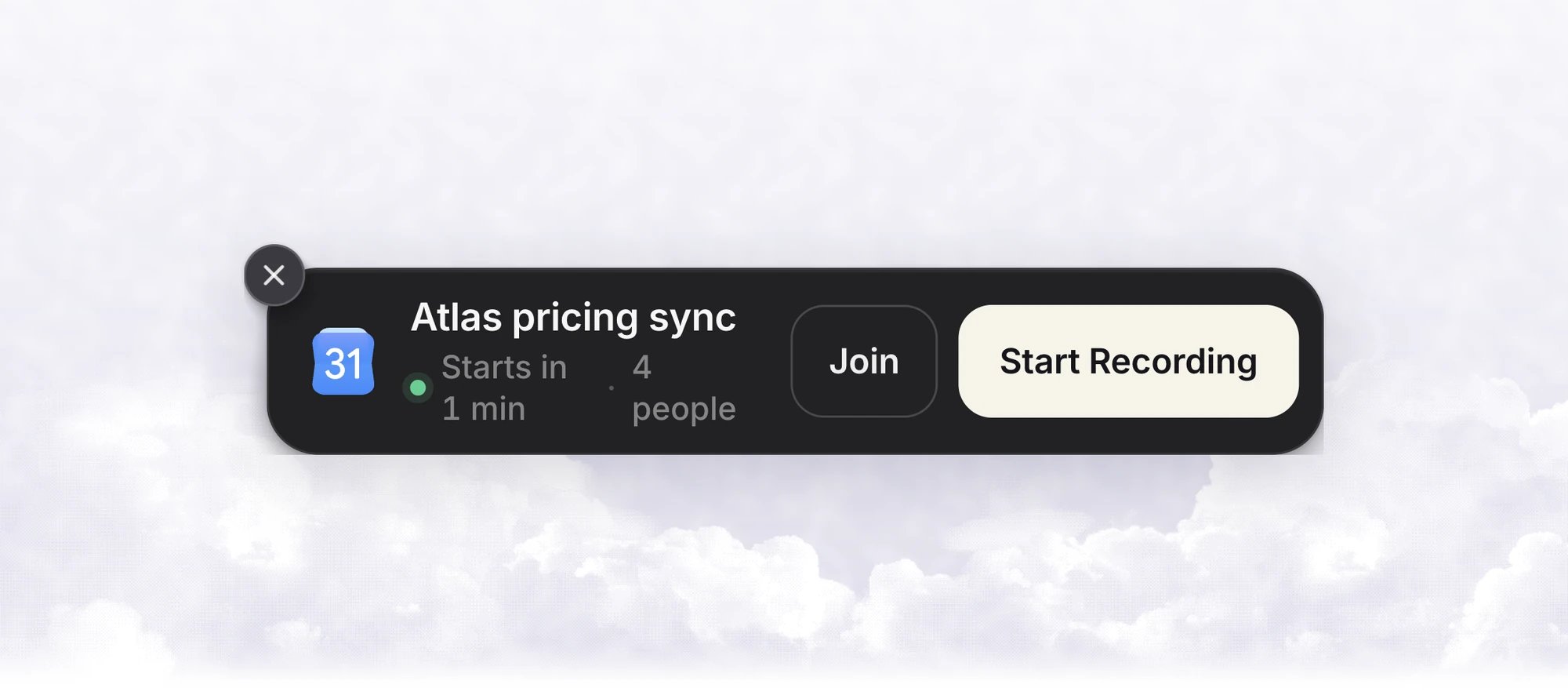
- Join opens the meeting link in your browser or meeting app. The banner stays up, so you can start recording too.
- Start Recording starts meeting notes with your default template. The chevron next to it picks a different template for this meeting.
- The close button dismisses the banner.
The Upcoming pill
The pill sits at the bottom right of the main window and names whatever comes next. Click it to open the Upcoming list, which shows when each meeting starts (“in 12m”) and a Join button for meetings with a link. When nothing is left, it reads “Nothing left today”. If a calendar needs reconnecting, the pill says so. Reminders you set by voice with Command Mode appear in the same list.Speaker count
When you identify speakers in a meeting note, Vowen checks your calendar for an event at the same time. If it finds one, the number of invited people who didn’t decline becomes the upper limit for the number of speakers. This helps avoid extra phantom speakers. A pinned Number of Speakers always takes priority.Reconnecting
If Google revokes access, a Calendar disconnected banner appears in the main window. Click Reconnect to sign in again. The account row in Integrations shows Reconnect needed with a Reconnect button.Limits
- Pro only.
- Google Calendar only.
- Vowen doesn’t rename notes after calendar events or fill in speaker names from the guest list.