
Turn it on
1
Open Experimental settings
Go to Settings › Experimental and turn on Capture screenshots while dictating.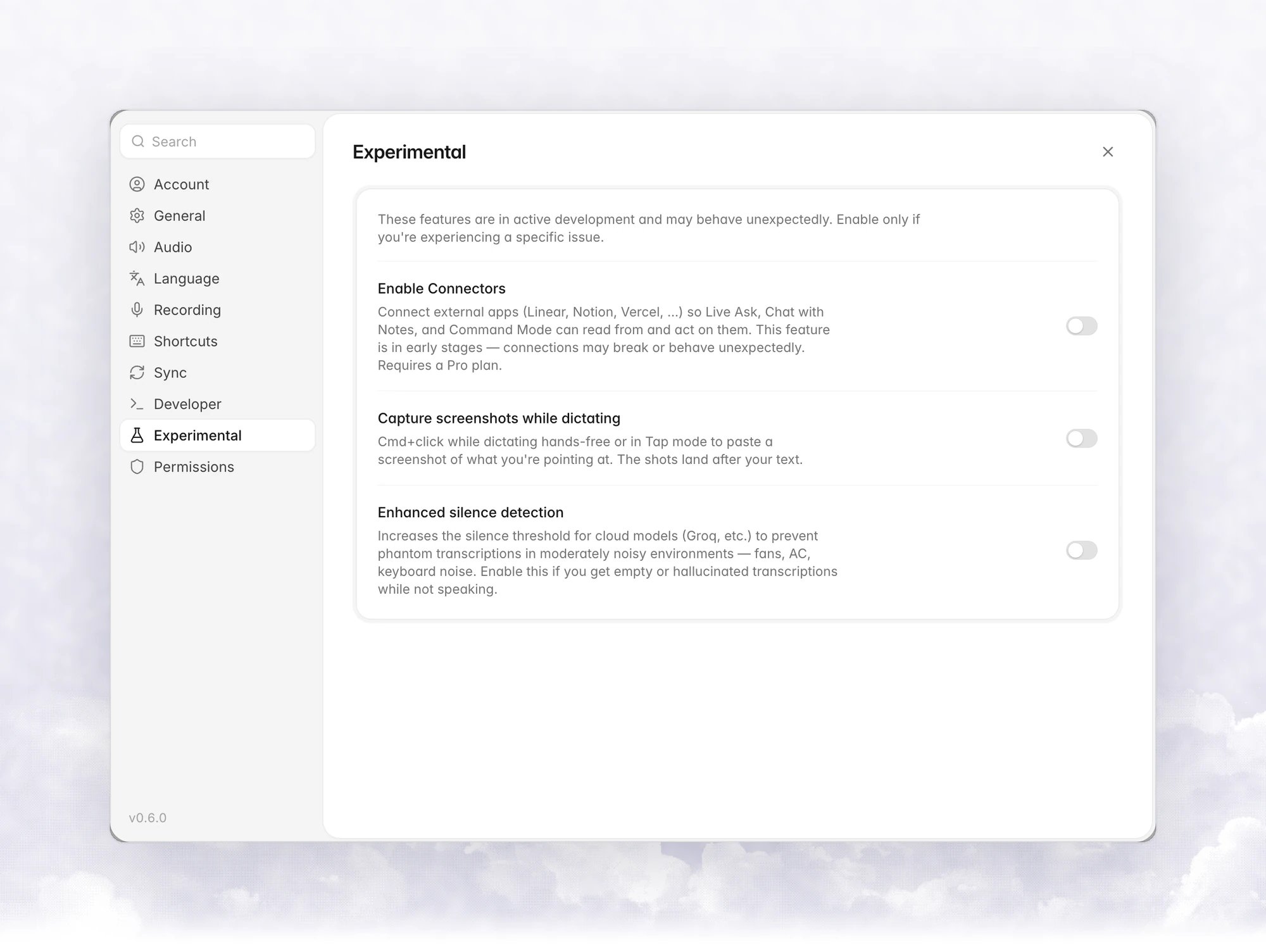
2
Grant Screen Recording (macOS)
On macOS the row stays blurred until Vowen has Screen Recording permission, with the message Turn on Screen Recording for Vowen in System Settings. See Permissions.
Capture screenshots
1
Start a hands-free dictation
Press the hands-free shortcut, or a dictation shortcut set to Tap mode. Capture doesn’t work while you hold a push-to-talk shortcut, because the shortcut’s keys are already held down.
2
Cmd+click or Ctrl+click what you mean
Each click captures the area around your pointer. The indicator shows Screenshot added, with a count once you have more than one.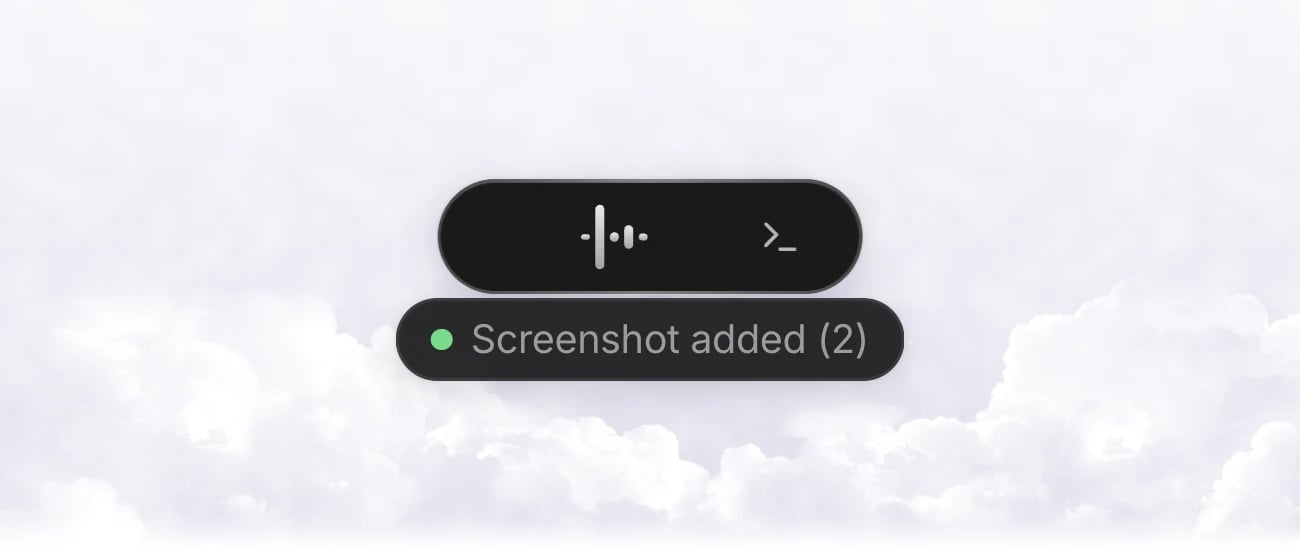
3
Stop the dictation
Vowen pastes your text, then each screenshot in the order you took them.
How it behaves
- Area. Each screenshot is a fixed box centred on your pointer, kept inside the display. The click itself still reaches the app, but the screenshot shows the screen as it was before the click.
- Limit. Up to 6 screenshots per dictation. Further clicks are ignored.
- No Auto Enter. A dictation that carries screenshots is never sent with Auto Enter, so you can check it before sending.
- Clipboard. Images go in through the clipboard. With Restore clipboard after paste on, your clipboard is put back afterwards.
- Terminal coding agents. On macOS, when you dictate into Claude Code or Codex in a terminal, the images are pasted with Ctrl + V, which is the key those tools use for images.
- Privacy. Screenshots are kept in a temporary folder for the length of one dictation and deleted after they are pasted, or when you cancel. Vowen doesn’t upload them anywhere. They only go into the app you dictated into.
- Command Mode uses its own region capture instead.
Direct insertion
Coming in the next update.